Top essential SEO tips for small WordPress sites to rank on Google’s first page. Learn simple strategies to boost visibility, traffic, and growth in 2026.
Today, businesses need build a strong online presence. WordPress’s range and usability make it fantastic. Popular choice for building websites.
Nevertheless, possessing simply a WordPress website is insufficient. We need to optimize all each page for search engines to drive traffic and improve visibility.
The goal of SEO for WordPress is to make your site more appealing to search engines. You are now able to make your site more easily visible and profitable on the Internet using these tips.
This article describes importance of SEO tips for your WordPress site, ensuring you find the best results.
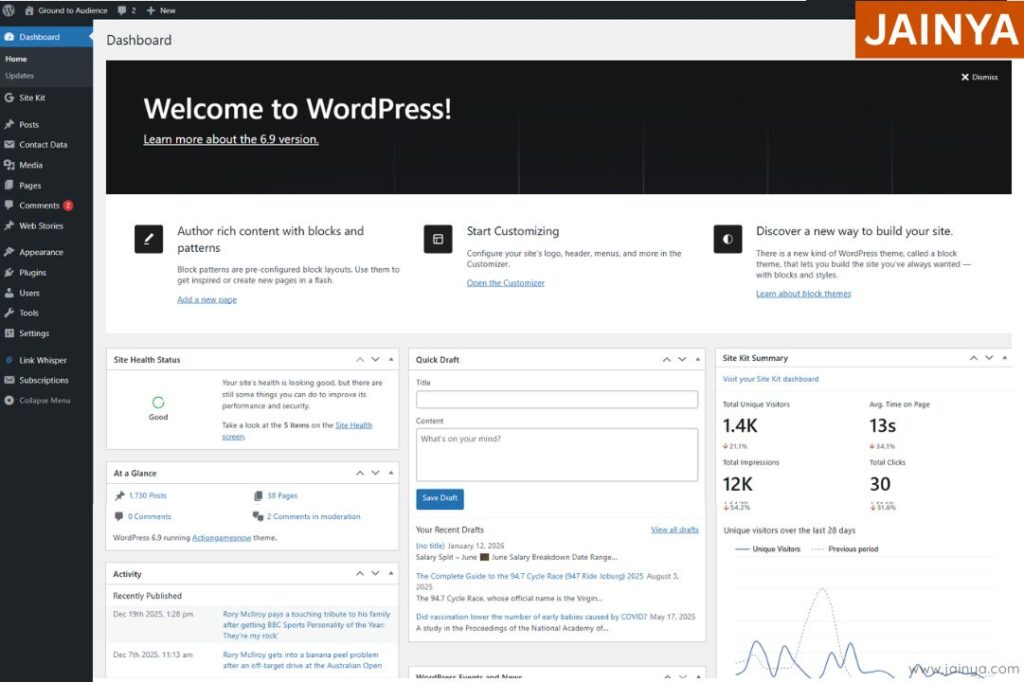
Search engine optimization (SEO) and search engine marketing (SEM): WordPress site is all about making your website more attractive to google search engines list. By following these tips, you’ll increasing your site’s visibility and ranking.
Why is SEO important for websites or WordPress?
SEO plays important role to rank on list of other search engines apart from google. It helps improve your site’s visibility on Google, Traffic, Engagement, Revenue, and give more conversions.
Without proper SEO: WordPress site might get lost in the vast sea of online content.
- Struggle to appear on the first page of search results.
- Lost valuable organic traffic and potential customers.
- Invisible to users actively searching for your services.
- Fail to clearly communicate its topic to search engines.
- Load slowly and lose rankings and visitors.
- Poor mobile experience that hurts visibility.
How to increase website visibility on google?
- Optimize Your Website for SEO
- Create High-Quality, Useful Content
- Improve Website Speed & Mobile Experience
- Build Quality Backlinks
- Use Google Tools & Local SEO
- Attract unqualified visitors who rarely convert
- Fall behind competitors who actively optimize their content.
Step-by step Guide to Optimize Your WordPress Site for SEO
1. Choose an SEO friendly wordpress theme
The first step in optimizing your site theme WordPress for SEO is selecting an seo friendly wordpress theme. Search engine results depend on fast loading times and responsive design from a well-coded theme.
When choosing a theme:
- Responsive design
- Lightweight code
- Regular updates and support
- Supported
- Compatibility with popular SEO plugins
- Customizable
- Secure
- Optimized
- Accessible
- Fast
How to check website is seo friendly or not?
1. Page Speed & Mobile Friendliness:
- Check if the website loads fast and works smoothly on mobile devices.
2. Title Tags and Meta Descriptions
- Each page should have a unique, keyword-focused title and a clear meta description.
3. Clean URL Structure
- URLs should be short, readable, and include relevant keywords.
4. Content Quality & Keyword Usage
- Content must be original, useful, and naturally optimized with the right keywords.
5. Technical SEO Health
2. Install an SEO Plugin
WordPress offers a plethora of plugins to enhance your site’s functionality. For SEO, plugins like Yoast SEO or All in One SEO Pack are excellent choices. These plugins provide tools to optimise your content, including keyword optimization, meta tag, and readability analysis.
3. Conduct Keyword Research
Keywords are the backbone of any successful SEO strategy. Conducting thorough keyword research helps identify the terms your target audience is searching for. Use tools like Google Keyword Planner or SEMrush to find relevant keywords for your content
4. Optimize Your Permalink Structure
Permalinks are the URLs for your WordPress posts and pages. An optimized permalink structure is essential for both SEO and user experience.
To set up SEO-friendly permalinks:
- Go to your WordPress dashboard.
- Navigate to Settings > Permalinks.
- Select the “Post name” option.
This structure ensures your URLs are clean, readable, and include keywords related to your content.
5. Create High-Quality Content

Content rules SEO. High-quality, relevant content engages readers and improves search rankings. Content should be informative, well-researched, and address audience problem areas and usefulness that Google’s quality and helpful-content guidelines reward.
6. Use Heading Tags
Wisely Heading tags (H1, H2, H3, etc.) are important for website article. Your writing and making it simpler to read. Search engines utilize these tags to read into content structure. Use one H1 tag for your main title and subsequent H2 and H3 tags for subheadings.
On-Page SEO Tips for WordPress
7. Optimize Meta Tags
Meta tags, including the meta title and meta description, provide search engines with a summary of your content. They also influence click-through rates in search results. Ensure your meta tags are concise, relevant, and include target keywords.
8. Use Internal and External Links
Internal linking: is more than just connect pages; it also helps search engine bots and visitors find their way around your site.
- Navigation
- Discovery
- Crawling
- Hierarchy
- Relevance
- Priority
- Authority &
- Engagement
Successful internal links: Lead from one page to deeper, more relevant information on other pages. Make sure your website has enough internal links, especially to the important parts you want to rank high in search results.
Internal & External Linking Guidelines: Safe SEO Ranges Explained

- Minimum / Article: Short 500 – 700, word articles should have 3 -5 internal links and 2 – 5 external connections.
- Standard Range: For a 2,000 – word article, 1 link every 200 -300 words is typical, or 5 – 10 internal links. 2 – 6 external links/1,000 words
Upper limits to stay safe.
- Per article content: 10 to 20 contextual internal links for extended pillar content. Long guides (2,000 – 4,000 words) have 6 – 20 external connections.
- Total links: Do not add too many links. Keep total links under 100–150 for better website performance.
Key principle
Quality vs Quantity: Instead of chasing a number, focus on meaningful, helpful internal links that improve UX and help search engines fully understand your structure.
Internal and External links checker
- Detect Broken Links Instantly
- Improve Website SEO Health
- Monitor External Link Quality
- Strengthen Internal Linking Structure
- Save Time with Automated Scans
Note: Google does not give any fixed checklist.
9. Optimize Images for SEO
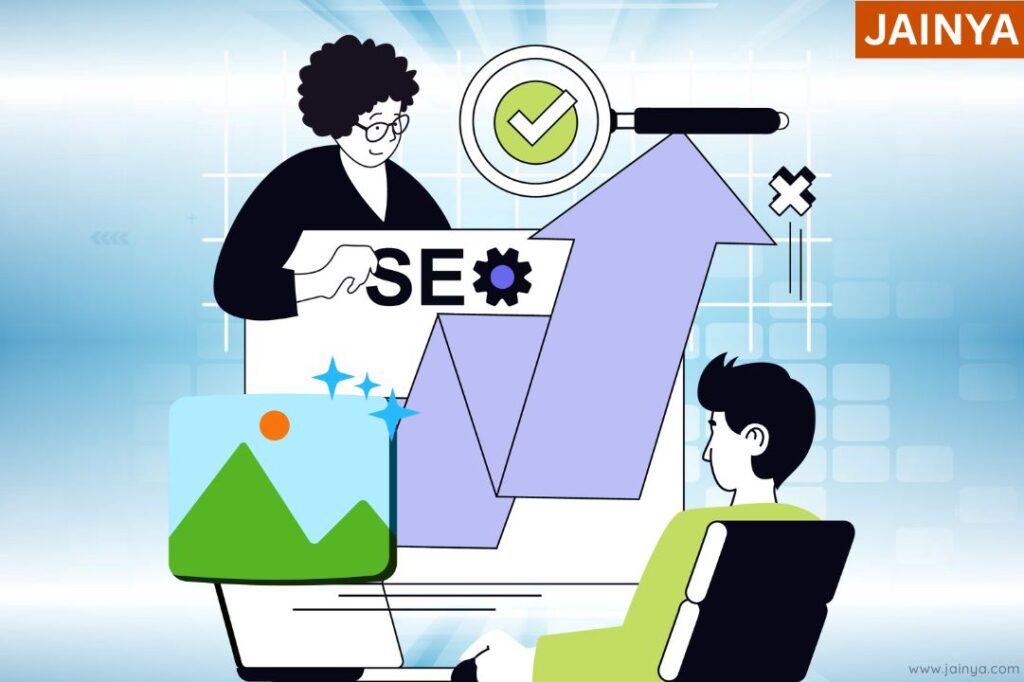
- Compress
- Resize
- Name
- Alt-text
- Captions
- Sitemaps
- Lazyload
- Format
- Structure
- CDNs
Images can help improve your content but they have to be properly optimized so that it doesn’t drag down your site. For your images, use a descriptive file name and alt text – less is more when it comes to alt text.

Talk to the solutions team

Leave a Comment